01
Article & website summarizer
Turn long web articles into clear takeaways. This AI summarizer works on most pages you read in Chrome.
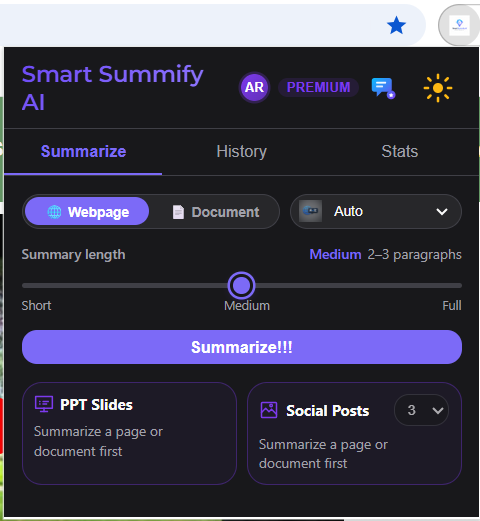
A free AI text summarizer Chrome extension. Use it as an article summarizer, PDF summarizer, or doc summarizer — summarize at the length you want, ask questions about what you’re reading, then export, listen, or turn it into slides and social-ready graphics.
On Chrome Web Store Install free — start summarizing in minutes
Whether you’re researching, studying, or sharing on social, Smart Summify AI keeps you in flow. This AI summarizer cuts through long reads — less tab-hopping, clearer takeaways, and outputs you can actually use. See also our dedicated PDF summarizer guide.
Video walkthrough
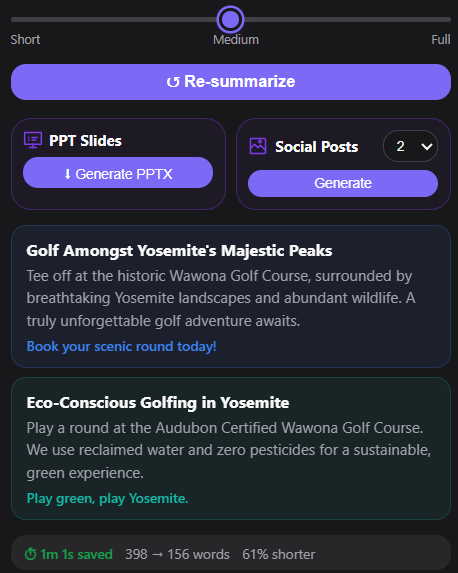
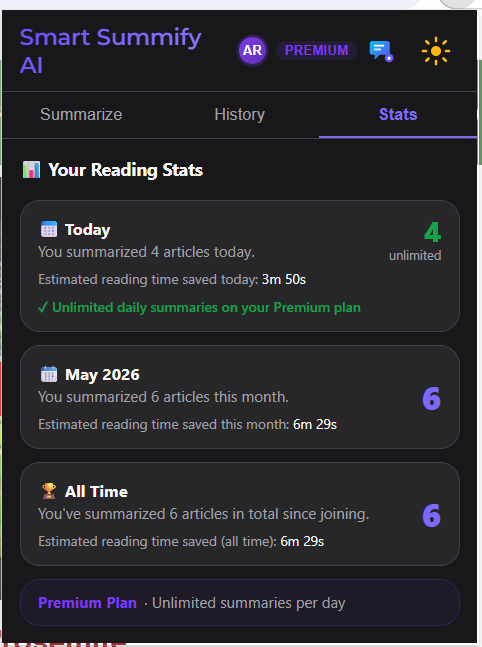
Eight capabilities in one Chrome text summarizer workflow — summarize articles and docs, ask questions, export, and share without leaving your reading groove.
Turn long web articles into clear takeaways. This AI summarizer works on most pages you read in Chrome.
Upload PDFs and docs for AI-powered summaries. A fast doc summarizer when you need the gist, not every page.
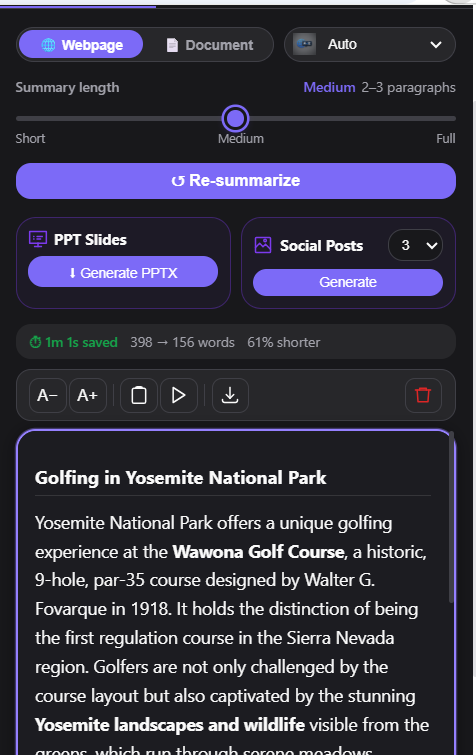
Switch between small, medium, and fuller summaries so your AI text summary matches how much time you have.
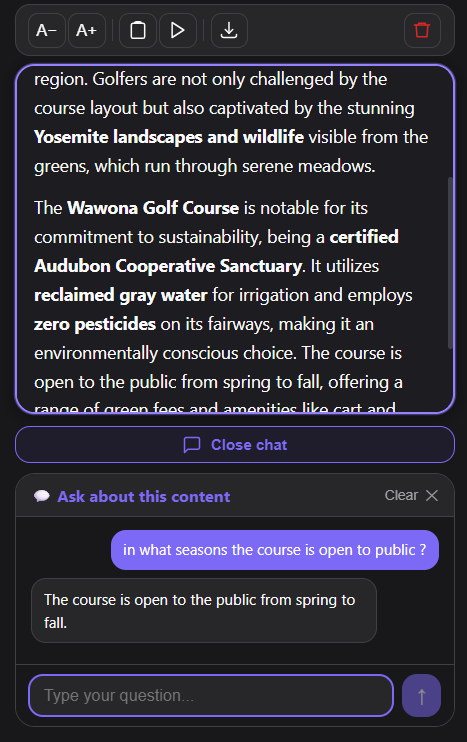
Ask follow-up questions and get answers grounded in the content — great for research, studying, and deep reads.
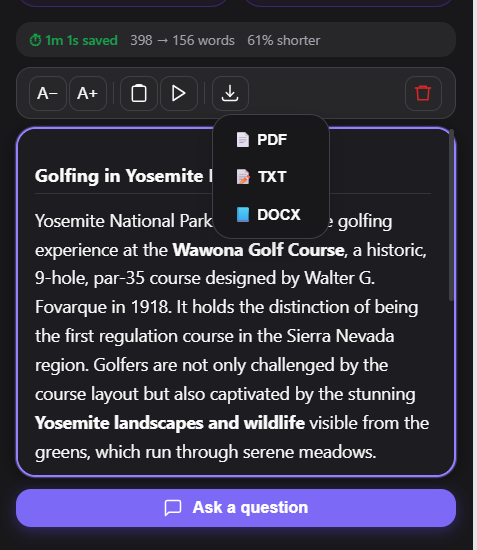
Save summaries as PDF, Word, plain text, and other copy-friendly formats you can drop into notes or email.
Go from AI summary to presentation-ready structure so you spend less time formatting decks.
Let the AI text summary play in the background while you commute, exercise, or multitask.
A focused AI summarizer UI that gets out of the way — capture meaning faster than copy-paste gymnastics.
An AI text summarizer uses artificial intelligence to read long articles, web pages, or documents and produce a shorter summary with the key points. Smart Summify AI is a free Chrome extension that works as an AI summarizer for websites and PDFs.
Yes. Smart Summify AI works as a PDF summarizer and document summarizer. Upload PDFs or summarize web pages directly in Chrome, then export summaries to PDF, Word, plain text, or PowerPoint.
Smart Summify AI is free to install from the Chrome Web Store, and you can start summarizing articles and documents with a free tier—no credit card required. For heavier use, we offer two subscription plans (Basic and Premium) based on the features and usage you need. For the latest pricing and what each plan includes, add the extension and compare plans inside the app, or review details on the store listing.
Yes. Smart Summify AI summarizes content from most web pages you visit in Chrome. Open any article or page, click the extension, and get an AI-generated summary at the length you choose.
Smart Summify is built into your browser as a Chrome extension. It reads the page or PDF you are viewing, lets you pick summary length, chat with the content, and export to Word, PDF, or slides — without copying text into a separate chat window.
Yes. Students and researchers use Smart Summify as a document summarizer to digest long papers and articles faster, ask follow-up questions grounded in the source, and export notes for study or sharing.
Install from the official Chrome Web Store listing. It takes about a minute.
Need help? Email contact@arvapaly.com or visit our Contact page.